
Integrate engineering and automation using software
Engineer better production systems faster with software tools for integrating engineering, automation and controls. This will help you create and operate more efficient factories.
Design better production lines faster
Design and visualize layouts of production lines quickly and associate them with manufacturing planning, without the need for additional software.
Easily optimize the process by specifying each production step down to managing a single manufacturing resource, such as a robot or fixture.
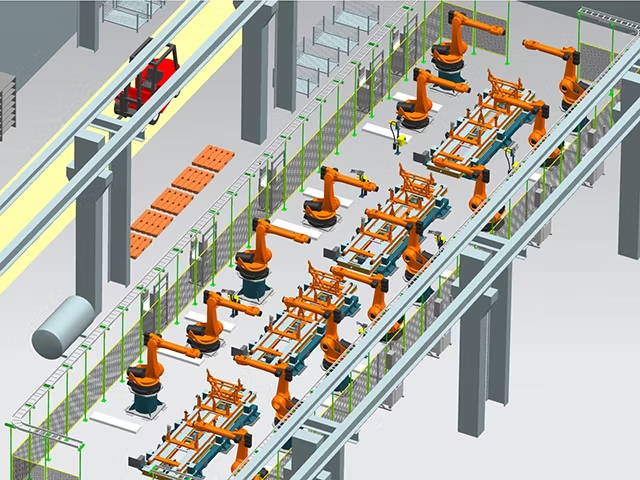
Conduct guided assembly line planning
Combine the product, the process and the plant together in a simple and intuitive user interface.
Perform all the required process planning tasks for the assembly line using advanced 3D functionalities and the robust Teamcenter backbone to manage the data.
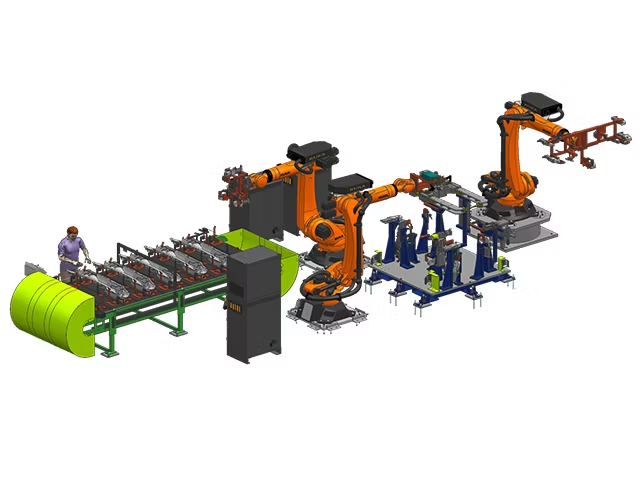
Streamline planning of machining lines
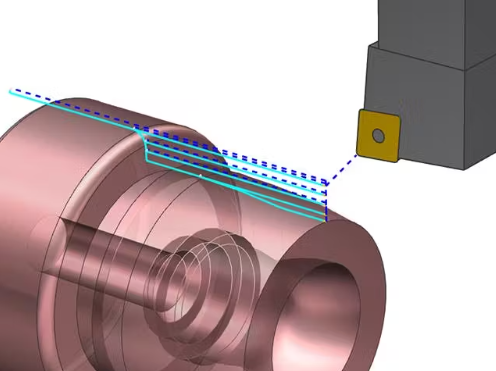
Distribute, balance, program and simulate operations over multiple machines.
Simplify the production of complicated parts with many features to help streamline the planning of high-volume production machining.
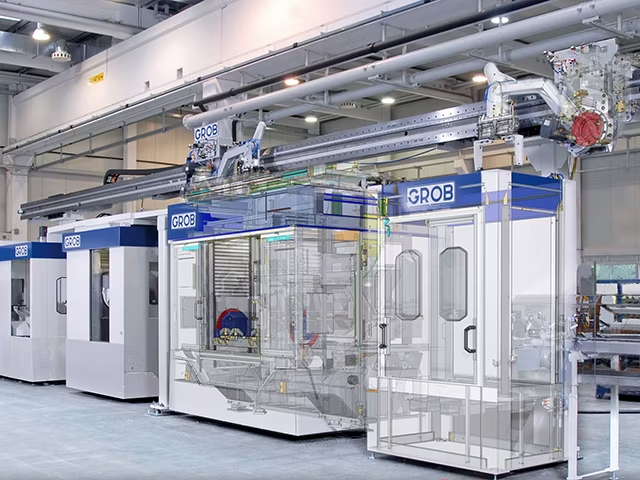
Execute complete industrial electrical design
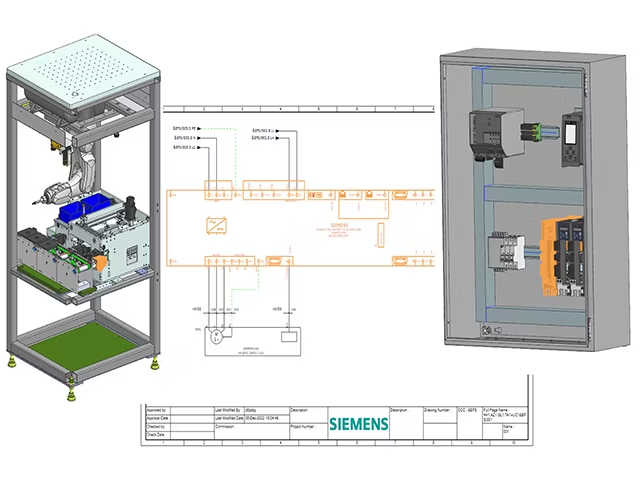
Perform complete definition of production systems by including the required design of their electrical systems.
Enable the complete electrical design of machines and production lines in the integrated NX software environment for the most efficient overall system design.
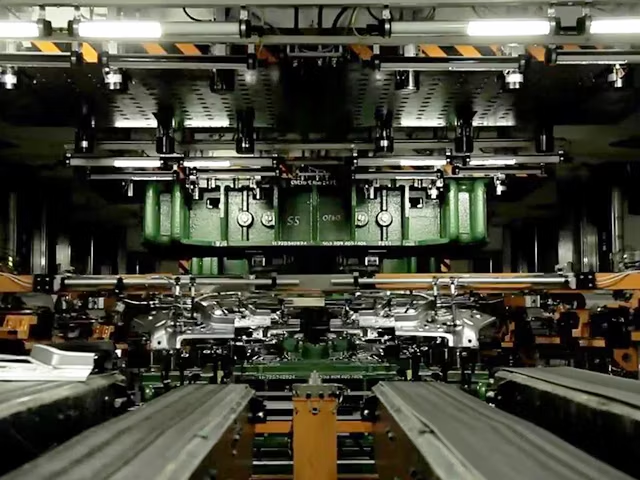
Optimize planning for press lines
Design, simulate and optimize press lines for sheet metal forming using digital tools.
Use a comprehensive set of software capabilities to include all necessary press line operations before the components are produced.
Source: Siemens
Contact us for free and detailed advice