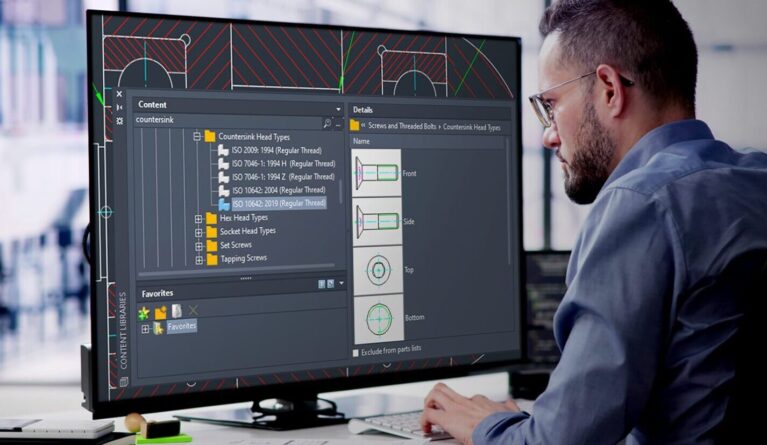


AutoCAD and AutoCAD LT are both Autodesk CAD solutions for design and technical drafting. The two versions share many core 2D drafting capabilities, but they differ significantly in 3D modeling, automation, customization, and access to specialized industry toolsets.
Choosing between AutoCAD and AutoCAD LT mainly depends on whether your work requires 2D drafting or 3D modeling, the complexity of your projects, customization requirements, and software budget.
AutoCAD vs. AutoCAD LT at a glance
| Criteria | AutoCAD | AutoCAD LT |
|---|---|---|
| 2D drafting | Yes | Yes |
| 3D modeling | Yes | Limited / no full 3D modeling |
| AutoLISP | Yes | Yes |
| Advanced customization and automation | Advanced | More limited |
| Specialized industry toolsets | Included | Not included |
| Web/mobile collaboration | Yes | Yes |
| Cost | Higher | Lower |
When should you choose AutoCAD?
AutoCAD is a comprehensive 2D and 3D design solution for projects that require advanced modeling, customization, and automation. It supports 3D design using solid, surface, and mesh objects, along with a wide range of tools for creating, editing, and managing technical drawings.
AutoCAD also includes specialized industry toolsets such as Architecture, Mechanical, Electrical, MEP, Map 3D, Plant 3D, and Raster Design, providing industry-specific features and intelligent objects for different engineering and design disciplines.
When should you choose AutoCAD LT?

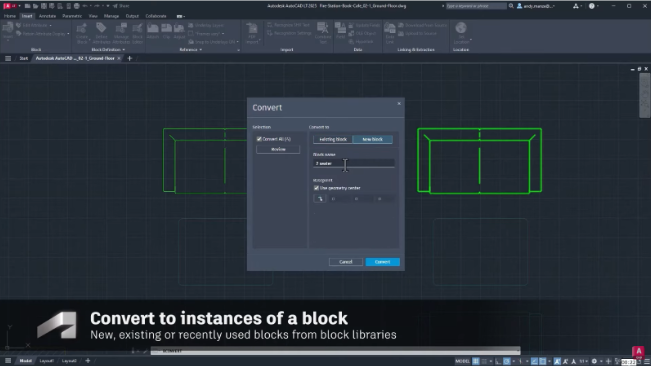
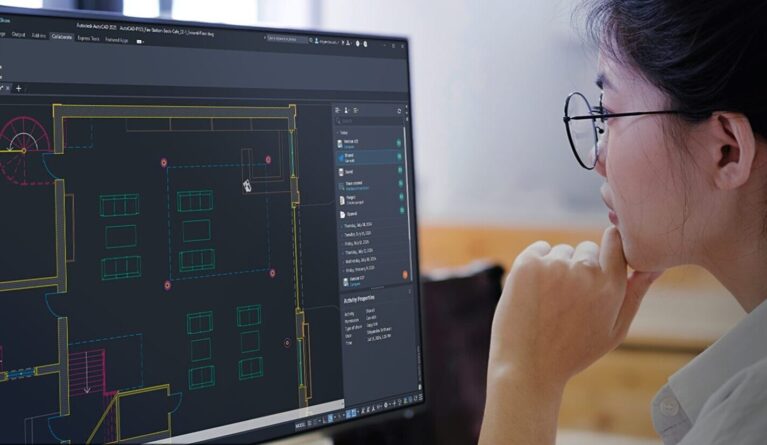
AutoCAD LT focuses primarily on 2D design and technical drafting. Users can create precise 2D geometry, add dimensions and annotations, work with blocks and PDF files, and collaborate across desktop, web, and mobile platforms.
AutoCAD LT provides limited 3D viewing capabilities but does not include the full 3D modeling tools available in AutoCAD. Its customization and automation capabilities are also more limited, although AutoLISP can still be used to automate repetitive tasks.
Which should you choose: AutoCAD or AutoCAD LT?
Before choosing a version, businesses should clearly define their actual project requirements. If the work mainly involves producing 2D technical drawings and does not require advanced 3D capabilities, AutoCAD LT may provide the necessary functionality at a lower software cost.
On the other hand, if your organization requires 3D design, workflow customization, specialized industry toolsets, or more advanced automation capabilities, AutoCAD provides a broader set of functions.
| Requirement | Recommended option |
|---|---|
| 2D drafting and technical documentation only | AutoCAD LT |
| 2D drafting and 3D modeling | AutoCAD |
| Specialized industry toolsets required | AutoCAD |
| Mainly 2D work with cost optimization as a priority | AutoCAD LT |
| Advanced customization and automation | AutoCAD |
Conclusion
AutoCAD and AutoCAD LT both provide strong CAD capabilities, but they are designed for different levels of design requirements. AutoCAD offers more comprehensive 2D, 3D, customization, and automation capabilities, while AutoCAD LT provides a more streamlined solution for users primarily focused on 2D drafting.
Source: Autodesk
Contact Vietbay for consultation on choosing the AutoCAD version that best fits your requirements: