
Microsoft officially ended support for Office 2021 and Office LTSC 2021 on October 13, 2026. As of that date, these versions no longer receive security updates, bug fixes, or technical support from Microsoft.
For businesses still using Word, Excel, PowerPoint, or Outlook 2021, now is a good time to review an upgrade strategy that protects company data and maintains productivity. Two common options are Office 2024 and Microsoft 365.
1. Office 2021 reached end of support on October 13, 2026
Under Microsoft’s product lifecycle policy, support has ended for Office Home & Business 2021, Office Home & Student 2021, Office Professional 2021, and Office LTSC 2021 editions for organizations.
After the end-of-support date, Microsoft no longer provides:
- Security patches: No new fixes for newly discovered security vulnerabilities.
- Bug fixes and technical support: Issues arising during use may not be addressed by Microsoft.
- Feature updates: No additional capabilities or enhancements.
Office 2021 does not stop working when support ends. Users can still open and edit documents. However, software that continues to run is not necessarily secure or officially supported.
2. Risks of continuing to use Office 2021
Greater security exposure: Without future security patches, newly discovered vulnerabilities can put devices and business information at risk. This is particularly relevant to finance, HR, and sales teams handling sensitive documents.
Potential compatibility limitations: Microsoft 365 cloud services, including Exchange Online, OneDrive, and SharePoint, continue to evolve. Older Office applications may face feature limitations or compatibility issues when connecting to these services.
Limited access to modern productivity tools: Unlike Microsoft 365, Office 2021 does not receive ongoing feature improvements, including many newer collaboration and productivity capabilities. Businesses should plan a transition before operational issues occur.
3. Should businesses upgrade to Office 2024 or Microsoft 365?
Office 2024: A one-time purchase for stable everyday needs
Office Home & Business 2024 includes Word, Excel, PowerPoint, Outlook, and OneNote. It is licensed as a one-time purchase for one PC or Mac, making it a practical choice for employees who mainly work on a dedicated computer without requiring a full suite of cloud services.
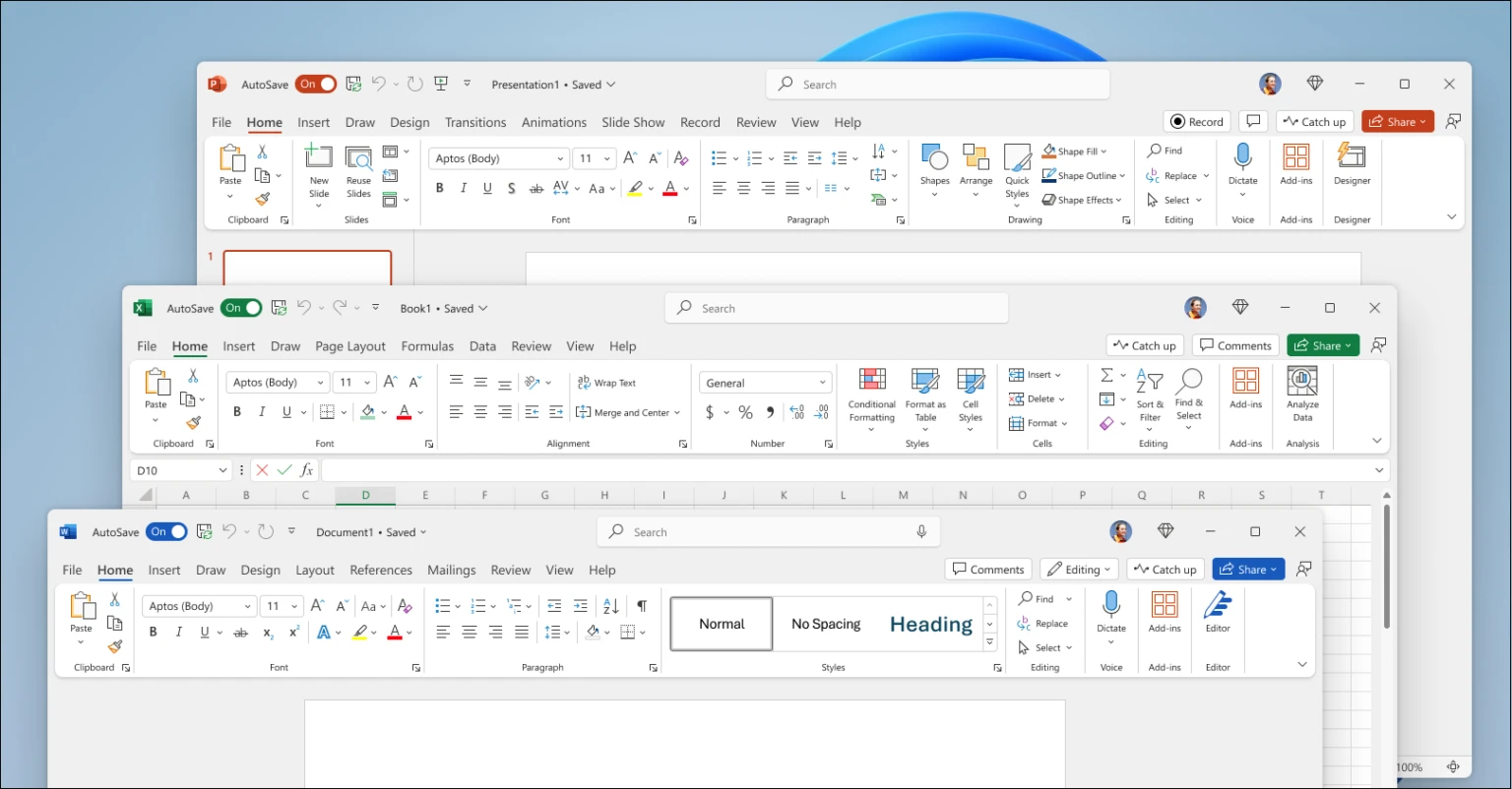
Microsoft supports Office 2024 until October 2029, but it does not continuously add new features as a Microsoft 365 subscription does. Organizations with specialized environments or volume licensing requirements may consider Office LTSC 2024, subject to applicable licensing terms.
Microsoft 365: Desktop apps combined with cloud services
Microsoft 365 Business Standard includes regularly updated Office applications alongside 1 TB of OneDrive storage per user, business email through Exchange Online, and SharePoint for document sharing and collaboration.

Microsoft Teams is available with Business Standard plans that include Teams; Microsoft also offers versions without Teams. Advanced Microsoft 365 Copilot capabilities may require an additional license.
Businesses requiring more advanced device management and security can evaluate Microsoft 365 Business Premium rather than Business Standard alone.
4. Office 2024 vs. Microsoft 365: Quick comparison
| Comparison | Office 2024 | Microsoft 365 Business Standard |
|---|---|---|
| Licensing model | One-time purchase | Recurring subscription |
| Word, Excel, PowerPoint | Included | Included |
| Outlook | Included in Home & Business | Included |
| New features | No continuous feature updates | Regular feature updates |
| 1 TB OneDrive per user | Not included | Included |
| Business email | Service not included | Included |
| Microsoft Teams | Not included | Depends on plan variant |
Note: The Office 2024 column refers to Office Home & Business 2024. Microsoft 365 features vary depending on the subscribed plan, including whether Teams is included.
In short, Office 2024 suits organizations seeking predictable, one-time licensing for established desktop workflows. Microsoft 365 offers greater value for businesses needing integrated email, cloud storage, and teamwork across devices.
5. Which option is right for your business?
- Small offices with basic Word and Excel needs: Consider Office Home & Business 2024 if a one-time purchase is preferred.
- Businesses that depend on email, file sharing, and collaboration: Microsoft 365 Business Standard is worth considering.
- Organizations requiring advanced security and device management: Evaluate Microsoft 365 Business Premium.
- Specialized or restricted-network environments: Review Office LTSC 2024 against deployment and licensing requirements.
Before upgrading, IT teams should inventory existing Office installations, check system requirements, back up Outlook data and important files, and test business-critical Excel macros or add-ins.
Conclusion: The end of Office 2021 support is a timely opportunity to move to a Microsoft-supported productivity platform. Choosing between Office 2024 and Microsoft 365 should reflect real-world workflows, licensing requirements, and long-term budgets.
Related reading: Office 2024: A practical option for individuals and small businesses.
Vietbay – Genuine Microsoft Software Solutions for Businesses
Vietbay provides licensing consultation and genuine Microsoft software solutions, including Office 2024, Office LTSC 2024, and Microsoft 365. Our team can help businesses choose an appropriate upgrade path, optimize licensing costs, and minimize work disruption.