
The new version of Designcenter Student Edition is now available free of charge. Register for and download Designcenter Student Edition through Siemens Software Center (SSC) today and start designing in just a few minutes.
What is Designcenter Student Edition?
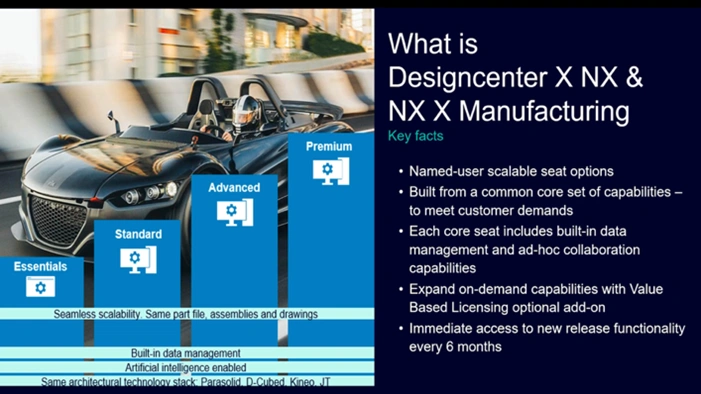
Designcenter Student Edition is free software from Siemens Digital Industries Software. It includes the comprehensive 3D design tools in Designcenter CAD software and the full CAM programming toolset from NX for Manufacturing.
Designcenter Student Edition gives you access to a powerful, fully integrated suite of design, manufacturing, and simulation software at no cost.
How is the new Designcenter Student Edition different from the previous NX Student Edition?
Starting in July 2026, the new Designcenter Student Edition is available for download and installation through Siemens Software Center. Previously, the Student Edition was downloaded through Siemens Support Center.
To download the Student Edition, first download and install Siemens Software Center if it is not already installed on your computer. Then, after registering for Designcenter Student Edition on Siemens’ trial page, you can download and install the software directly through Siemens Software Center.
Sign in to Siemens Software Center with the same account you used to register for the Student Edition. You will need to launch Designcenter Student Edition through Siemens Software Center each time you use it.
The new Designcenter Student Edition still includes CAD, CAM, and CAE capabilities. Users can continue to register for the software through Siemens’ trial platform.
The Student Edition license is valid for one year. When it expires, you will need to create a new account to obtain a new license.
Who can download Designcenter Student Edition?
Individuals, students, instructors, teachers, and engineers can currently download and use Designcenter Student Edition. Student status does not need to be verified to register for the software.
Registration requirements:
- Users must be at least 15 years old.
- The software supports Windows 64-bit computers only.
How to download Designcenter Student Edition
Watch the video or follow the steps below to learn how to download and install Designcenter Student Edition.
- Visit the Designcenter Student Edition trial registration page, then sign in or follow the instructions to create a new account.
- Complete and submit the “Trial Details” form.
- Start the Designcenter Student Edition trial.
- Download Siemens Software Center.
- Open the downloaded installation file.
- In the new window, sign in with the email address you used to register for the trial, then follow the required verification steps.
- Open Siemens Software Center from your desktop.
- Click “Download” for Designcenter Student Edition, or click the three-dot icon (⋮) to view the installation options.
- When the status changes to “Downloaded,” click “Install.”
- When the status changes to “Installed,” click “Open” to start using Designcenter Student Edition.
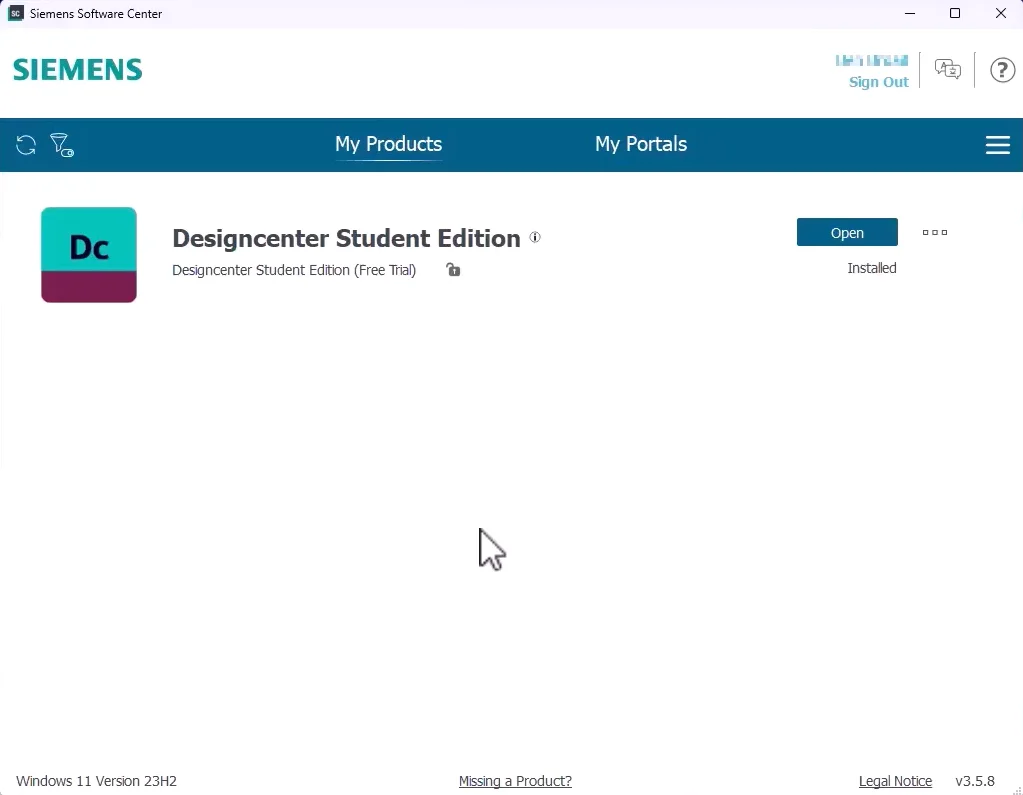
You must launch Designcenter Student Edition from Siemens Software Center each time you use it.
How often is Designcenter Student Edition updated?
New versions of Designcenter Student Edition are released alongside commercial Designcenter releases, twice a year—in June and December.
The Student Edition is usually released a few weeks to a month after the commercial version.
With Siemens Software Center (SSC), you can easily update to the latest version directly in the application.
How to update Designcenter Student Edition
Updating to the latest version through Siemens Software Center is simple.
Click the three-dot icon (⋮) next to Designcenter Student Edition to check for a new version. If one is available, download and install it.
Contact Vietbay for a consultation: